
Desktop app · Windows, Linux, macOS
One research tool, many labs.
NOOSPHERE collects labs for biology, robotics and signal processing. Each lab brings its own engine for simulation, training, analysis and modelling, and runs on your own machine.
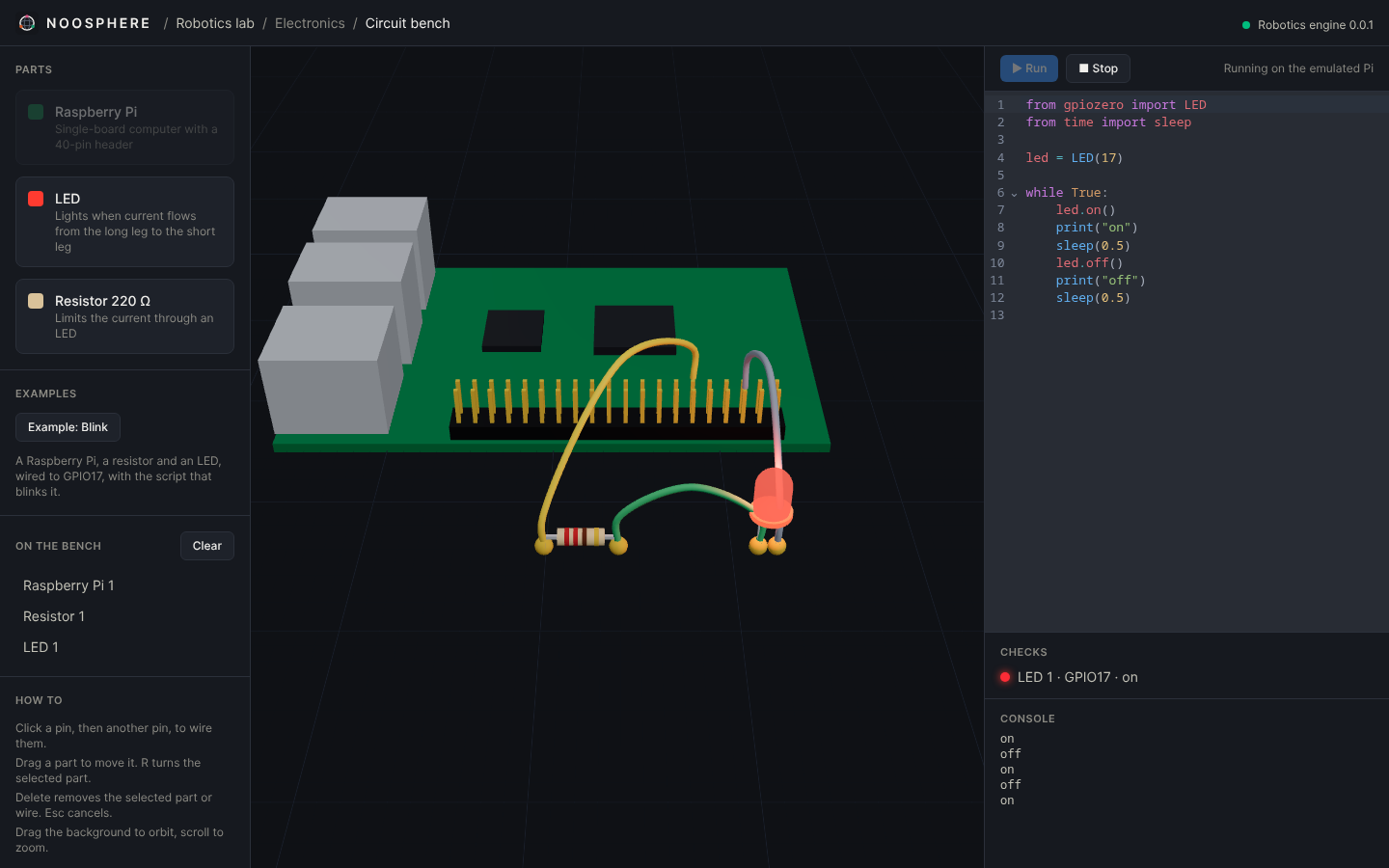
The Robotics lab’s circuit bench: wire a Raspberry Pi in 3D, run a Python script, watch the LED follow the pin.
The labs
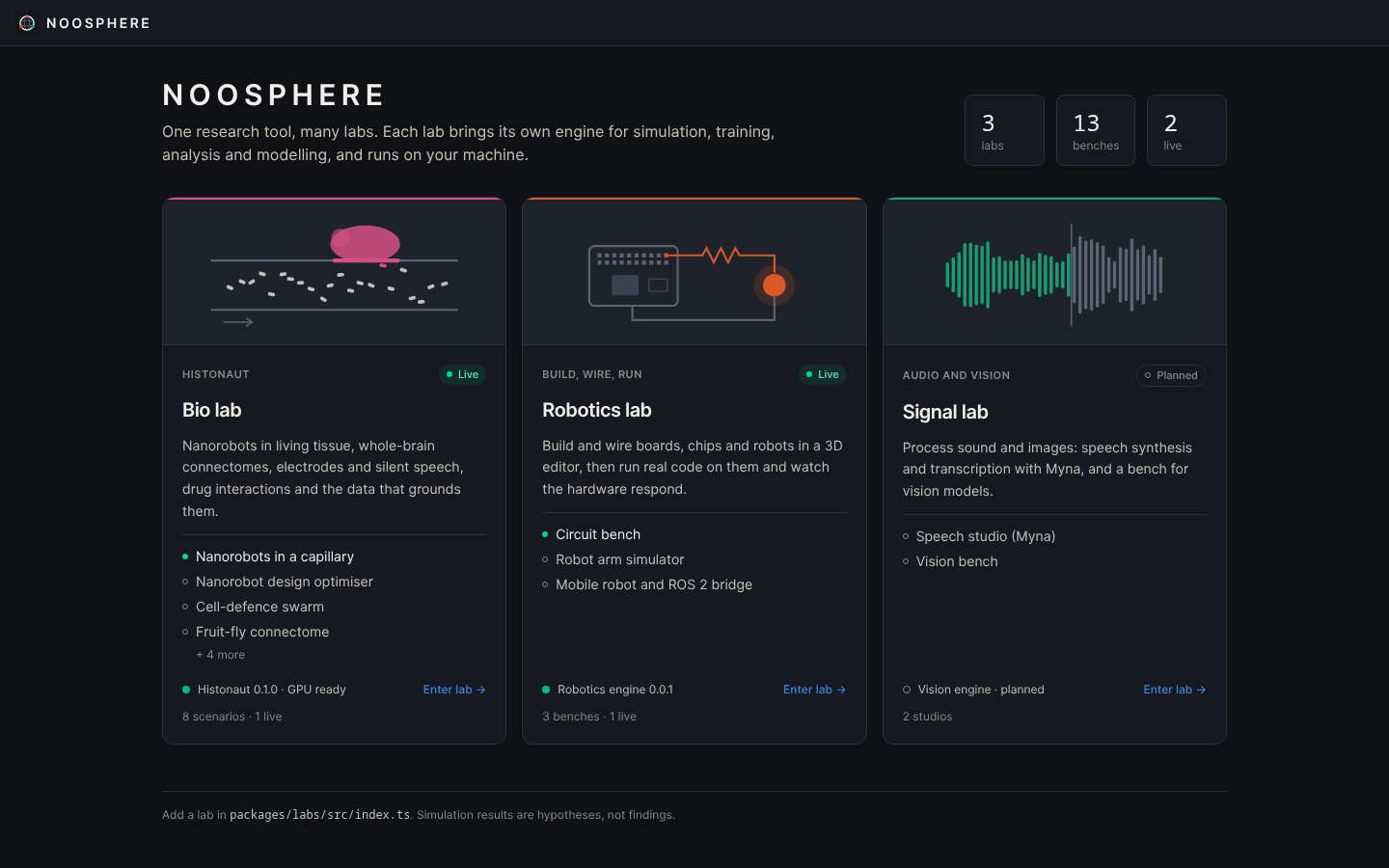
What works today is marked live. The rest is planned, and shown as such.
Bio lab
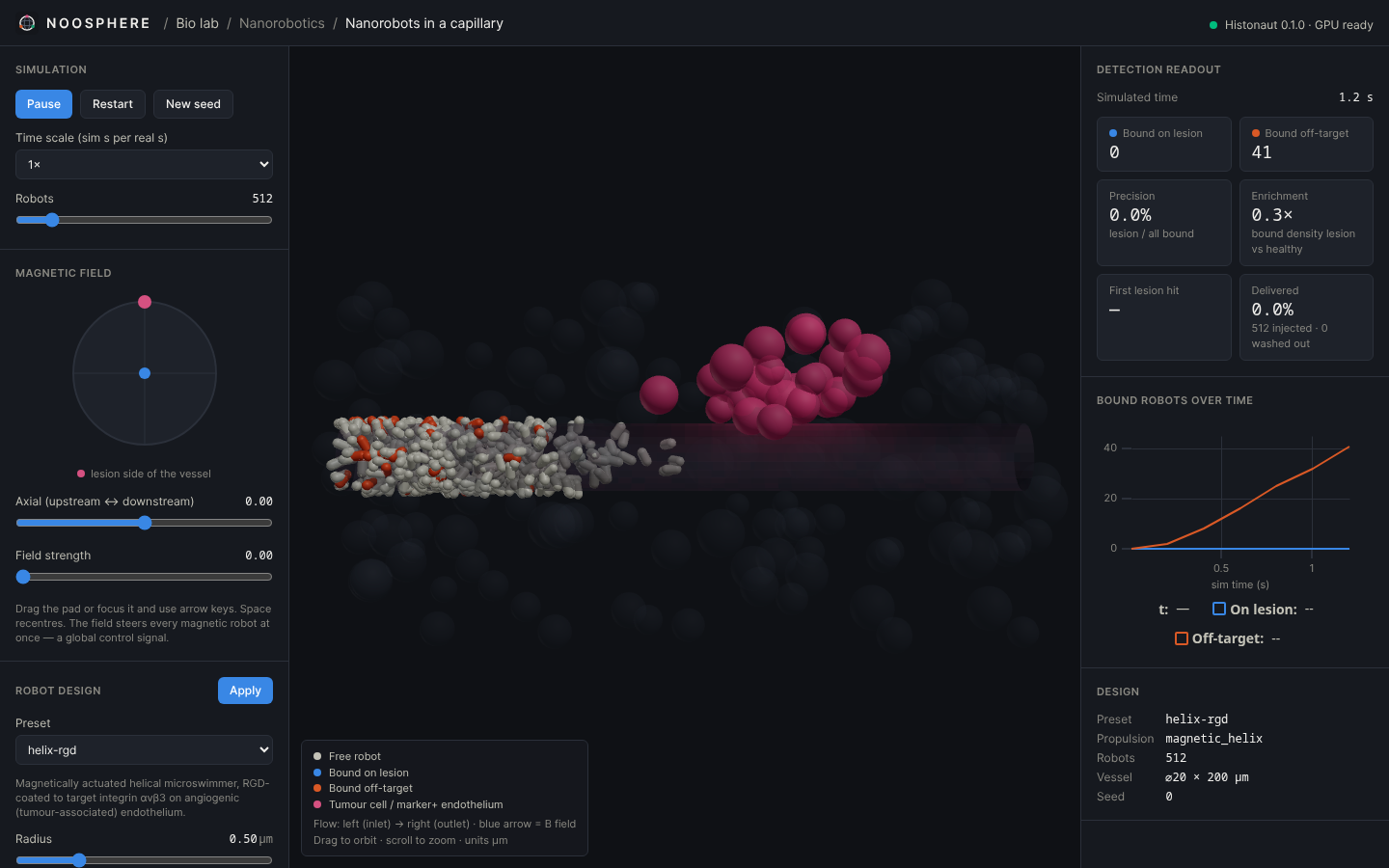
Nanorobots in living tissue, whole-brain connectomes, electrodes and silent speech, drug interactions and the data that grounds them.
- Nanorobots in a capillary
- Nanorobot design optimiser
- Cell-defence swarm
- Fruit-fly connectome
- Drug–drug interactions
- Tissue atlas
- Electrode and EEG simulator
- Silent speech interface
Engine: HistonautOpen lab →
Robotics lab
Build and wire boards, chips and robots in a 3D editor, then run real code on them and watch the hardware respond.
- Circuit bench
- Robot arm simulator
- Mobile robot and ROS 2 bridge
Engine: Robotics engineOpen lab →
Signal lab
Process sound and images: speech synthesis and transcription with Myna, and a bench for vision models.
- Speech studio (Myna)
- Vision bench
Engine: Vision engineOpen lab →
How it works
01
A desktop app
An installer for Windows, Linux and macOS. The window opens at once and shows the labs.
02
Engines on your machine
Every lab has its own engine, a local program that does the computing on your CPU and GPU. Nothing is sent to a server.
03
Set up when you open it
A lab’s engine is downloaded and started the first time you open that lab. You only pay disk space for the labs you use.
Try it on your own machine
A graphics card helps the Bio lab and is not required.
Download (not released yet)